
October 18, 2026 · 5 min read
When Should You Redesign Your Website? Signs It Needs a Refresh
A website's age doesn't tell you it needs a redesign; its symptoms do. We go through the signs that point to a redesign and how the process works.
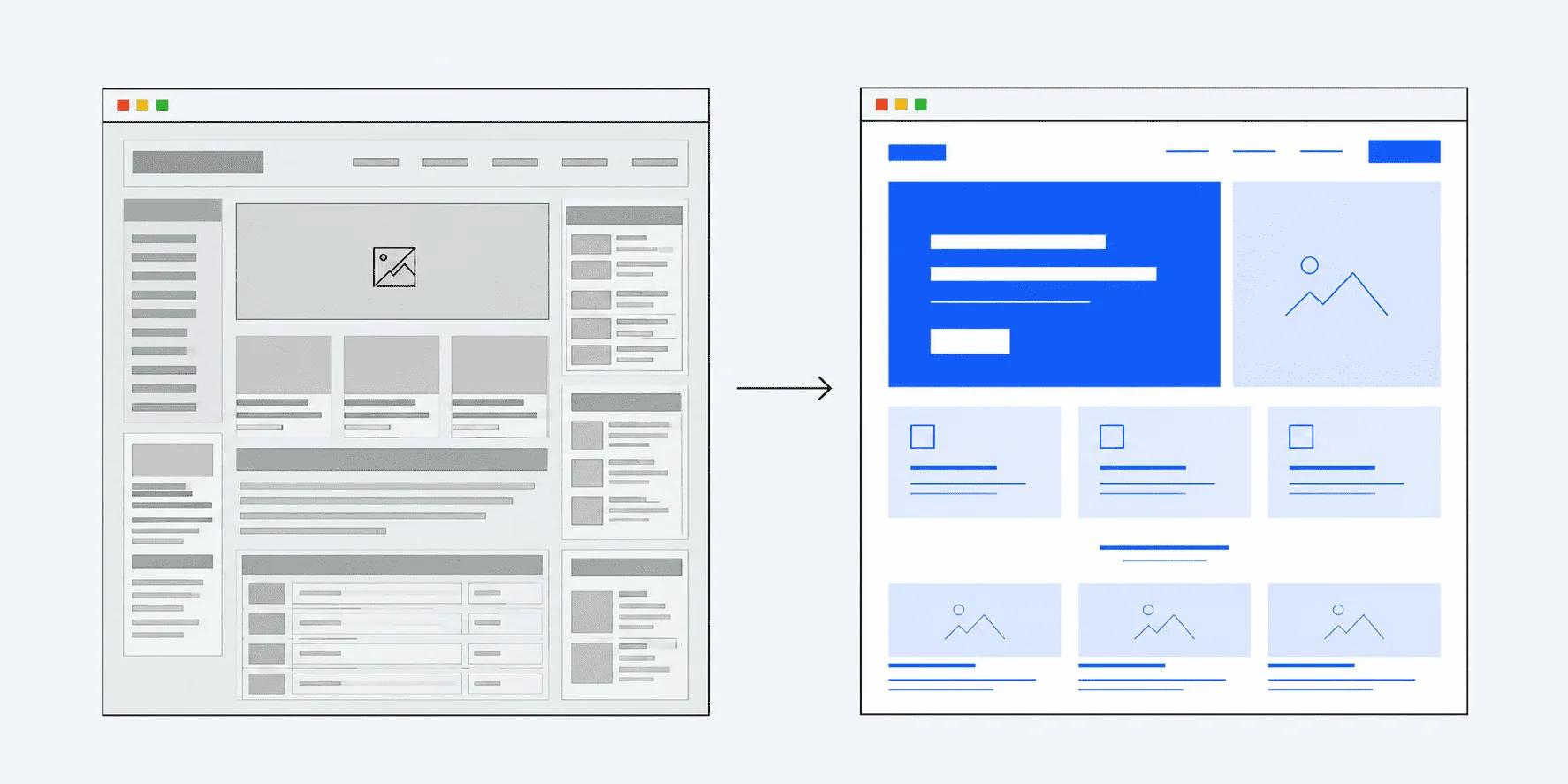
A website's age doesn't tell you it needs a redesign; its symptoms do. If your site loads slowly, doesn't display properly on mobile, has links and features that no longer work, or makes updating content a chore, it's time for a redesign.
Below, we cover the signs that point to a redesign, what happens to your Google rankings during one, and how the process works.
Signs your website needs a redesign
These are the problems we see most often on sites that come to us for a redesign:
1. The site loads slowly
Visitors don't want to wait for a page to load. The most common cause of a slow site is that it was never optimized when it was built: large uncompressed images, heavy videos and unnecessary code.
Google uses three metrics called Core Web Vitals to measure page experience. One of them, LCP (how long it takes for the main content of a page to appear), is considered "good" at 2.5 seconds or less. You can check your site with Google's free tool, PageSpeed Insights.
An honest note here: speed alone won't put you at the top of Google. It's only one of many factors that affect rankings. But a slow site is reason enough for a visitor to leave and look at another business.
2. The design looks dated
Design is a visitor's first impression of your business. A design made years ago can suggest the opposite of what your business actually is, even if you work in an up-to-date and careful way.
The goal of a redesign isn't to swap the old design for whatever patterns happen to be popular at the moment. Our preference is for the new design to reflect the business's own identity rather than template-like looks that date quickly.
3. It doesn't work well on mobile
A large share of visitors come to a website from their phone. If text is too small to read, buttons are hard to tap or the page doesn't fit the screen, the site is giving a poor experience to a large portion of its visitors.
4. Links and features are broken
Pages that won't open, contact forms that throw errors, map or social media links that no longer work... These problems usually pile up over time and go unnoticed. To a visitor, though, they're a clear sign that the site isn't being looked after.
5. The underlying technology is outdated
If the technology the site is built on is no longer updated, or updating it risks breaking the site, that's a problem for both security and development. Even adding a new feature or making a small change becomes difficult.
6. The admin panel is confusing
If you need to ask someone for help every time you want to announce a campaign, change a price or add a new photo, the site isn't making your work easier. Content management should be clear even to someone without technical knowledge.
7. The site no longer describes your business accurately
If your services have changed and you've completed new projects, but the site still shows old information, it's giving visitors the wrong picture. On its own, this can be fixed with a content update; but when it comes together with the signs above, a redesign makes more sense.
Will a redesign hurt my Google rankings?
Not if it's done properly. In a redesign, the addresses of existing pages are either kept or permanently redirected to their new equivalents. That way, a visitor who clicks a page they found on Google lands on its counterpart on the new site instead of an error page.
According to Google's own documentation, permanent (301) redirects don't cause a loss in a page's value. However, Google also notes that rankings may fluctuate temporarily while a site with changed URLs is being reprocessed. That's why it's important to monitor the new addresses for a while after the site goes live.
We apply this step as standard in our redesigns: keeping existing page addresses and redirecting them to the new structure where needed is part of the process.
What's the difference between a redesign and a brand-new website?
From a technical point of view, there's usually not much difference. In a redesign, we also rebuild the site from the ground up on modern technology; we don't patch over the old code.
The real difference is on the content side. On a site being redesigned, core content such as the logo, brand identity, services and contact details usually already exists. If the old text and images are in good shape, they're reused or edited where needed. That makes preparation easier compared to a business starting from scratch.
If you're wondering how long the process might take, see our article on how long it takes to build a website. For the technical points to keep in mind while deciding on a redesign, our article on what to consider before getting a website built can also help.
Questions to ask yourself before deciding on a redesign
- Does my site load quickly and look right on a phone?
- Do all the links and forms on my site work?
- Can I update the content easily myself?
- Does the site describe my business as it is today?
- Does my site look current next to a competitor's website?
If you answer "no" to several of these, it may be time to consider a redesign.
If you're thinking about redesigning your business website, take a look at YayTech Studio's Website Redesign service.
Keep reading

Let's talk about your project.
Get in touch ↗